How to Secure Your Mobile Devices from Threats
In today’s connected world, mobile devices carry our personal and professional lives in our pockets. From banking apps to social media accounts, smartphones and tablets hold sensitive data that cybercriminals target daily. Understanding how to secure your mobile devices from threats is essential for maintaining your privacy, protecting financial information, and avoiding identity theft. This guide provides practical, expert-backed strategies to keep your devices safe.
Understanding Mobile Device Threats
Malware and Spyware Risks
Mobile malware and spyware can infiltrate devices through apps, email attachments, or phishing links. Once installed, they can track activity, steal passwords, and compromise personal data. Being aware of these risks helps you take preventive measures.
Phishing and Social Engineering
Cybercriminals use phishing to trick users into revealing personal information. Social engineering tactics exploit human trust, often appearing as urgent messages or fake notifications from trusted apps.
Network Vulnerabilities
Public Wi-Fi networks are convenient but unsafe. Hackers can intercept data transmitted over unsecured networks, gaining access to passwords, banking details, and personal communications.
Steps to Secure Your Mobile Devices
Keep Software Updated
Updating your device’s operating system and apps ensures you have the latest security patches. Regular updates fix vulnerabilities that hackers can exploit.
Use Strong Authentication
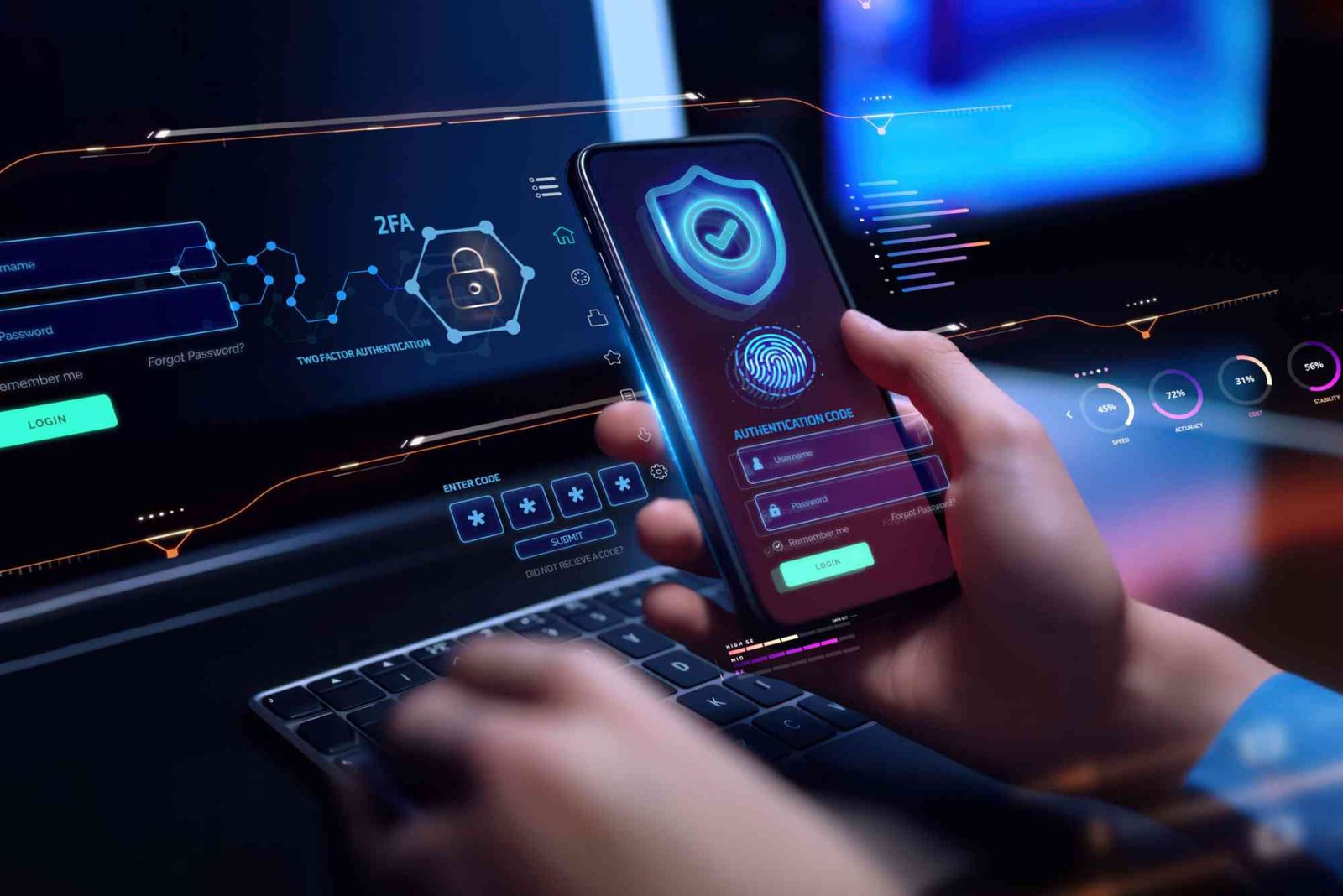
Enable strong authentication methods such as complex passwords, PINs, or biometrics. Two-factor authentication (2FA) adds an extra layer of protection against unauthorized access.
Install Trusted Security Apps
Reputable security apps can detect malware, block phishing attempts, and provide real-time protection. Look for apps with strong reviews and continuous updates from reliable developers.
Manage App Permissions Carefully
Check app permissions before installing or using apps. Limit access to sensitive features like camera, microphone, location, and contacts to only essential applications.
Encrypt Your Data
Data encryption ensures that even if your device is stolen, information remains unreadable without the proper key. Enable device encryption and back up data securely.
Secure Your Connections
Avoid using public Wi-Fi for sensitive tasks. If necessary, use a virtual private network (VPN) to encrypt your internet traffic. Turn off Bluetooth and Wi-Fi when not in use to reduce exposure.
Backup Your Data Regularly
Regular backups protect against data loss from theft, malware, or accidental deletion. Use secure cloud services or encrypted local storage for backups.
Avoid Jailbreaking or Rooting
While customizing devices can seem appealing, jailbreaking or rooting removes built-in security protections. This increases vulnerability to malware and unauthorized access.
Educate Yourself About Threats
Stay informed about the latest mobile security threats. Awareness is a key defense, helping you recognize phishing attempts, suspicious apps, and malicious websites.
Best Practices for App and Online Safety
Download Apps from Trusted Sources
Only use official app stores to reduce the risk of malware. Avoid third-party marketplaces that may host malicious apps disguised as legitimate ones.
Read Reviews and Developer Information
Before downloading an app, check user reviews and developer credibility. Apps with minimal reviews or unclear developer information may pose risks.
Monitor Account Activity
Regularly review account activity for unusual logins or suspicious behavior. Immediate action can prevent unauthorized access and potential data breaches.
Limit Data Sharing
Be cautious about sharing personal information online. Apps and websites often request access to contacts, location, and other sensitive data, which can be misused if mishandled.
Physical Device Security
Keep Devices Safe
Physical access can allow thieves or unauthorized users to exploit your device. Store devices securely, avoid leaving them unattended, and use screen locks consistently.
Activate Remote Tracking
Enable features like Find My iPhone or Find My Device for Android. These allow you to locate, lock, or erase your device remotely in case of loss or theft.
Securely Dispose of Old Devices
Before selling or recycling a device, erase all data securely. Factory resets may not remove all personal information, so consider encryption and multiple wipe passes.
Securing your mobile devices requires a combination of technology, awareness, and good habits. Regular updates, strong authentication, careful app management, and safe online practices make it much harder for cybercriminals to access your data. By taking these steps, you protect your privacy, financial information, and personal communications. Start today by reviewing your device security settings and implementing these measures. Protect your digital life before it’s too late.
uptocrease.com is a growing online platform that offers valuable insights, trending topics, and useful resources across various niches. It aims to provide readers with engaging, easy-to-understand content that helps them stay informed and updated. Whether you’re looking for tips, guides, or the latest trends, uptocrease.com delivers reliable and user-friendly information.
FAQ
How can I tell if my mobile device is compromised?
Signs include slow performance, unusual pop-ups, unexpected battery drain, or unfamiliar apps installed without consent.
Is public Wi-Fi safe for banking apps?
No, public Wi-Fi can be insecure. Always use a VPN or wait until you are on a trusted network for financial transactions.
Should I install antivirus on my smartphone?
Yes, reputable antivirus apps can protect against malware, phishing, and other cyber threats, providing real-time monitoring.
Can two-factor authentication protect me fully?
2FA significantly improves security but isn’t foolproof. Combine it with strong passwords and cautious online behavior for maximum protection.
How often should I back up my device?
Back up data at least weekly or immediately after important updates or files. This ensures minimal loss if your device is compromised.